Set the stage
Build the event your daters will show up to.
Your sales rep sets the skeleton — date, room size, age range. You make it yours: venue, photos, and the details that set the tone.
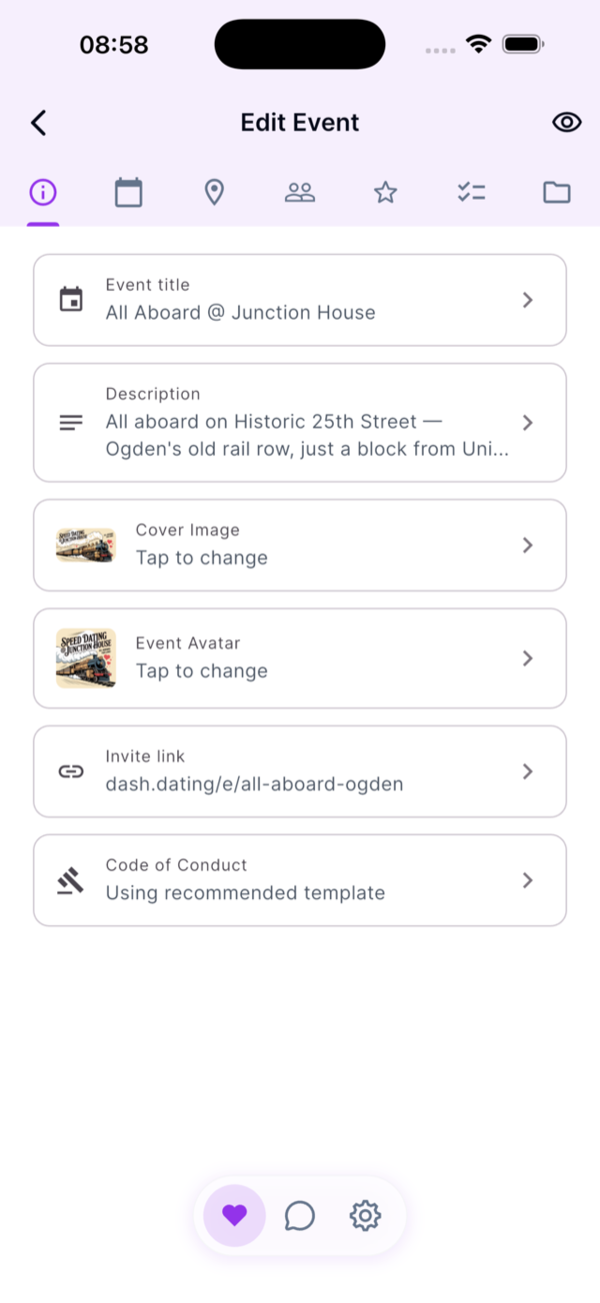
Venue & address
Exactly where they’re showing up — with a map daters can tap to navigate.
Cover image & event avatar
Set the visual tone of the event page and your preview card.
Description & dress code
The short pitch daters read before they sign up, plus what to wear.
Invite link
Your event’s public page at dash.dating/e/<your-slug> — share it anywhere.
Code of Conduct
Use the recommended template or write your own. Daters review it before they RSVP.
Draft mode
Edit freely until you publish. Nobody sees it until you’re ready.
Invite daters
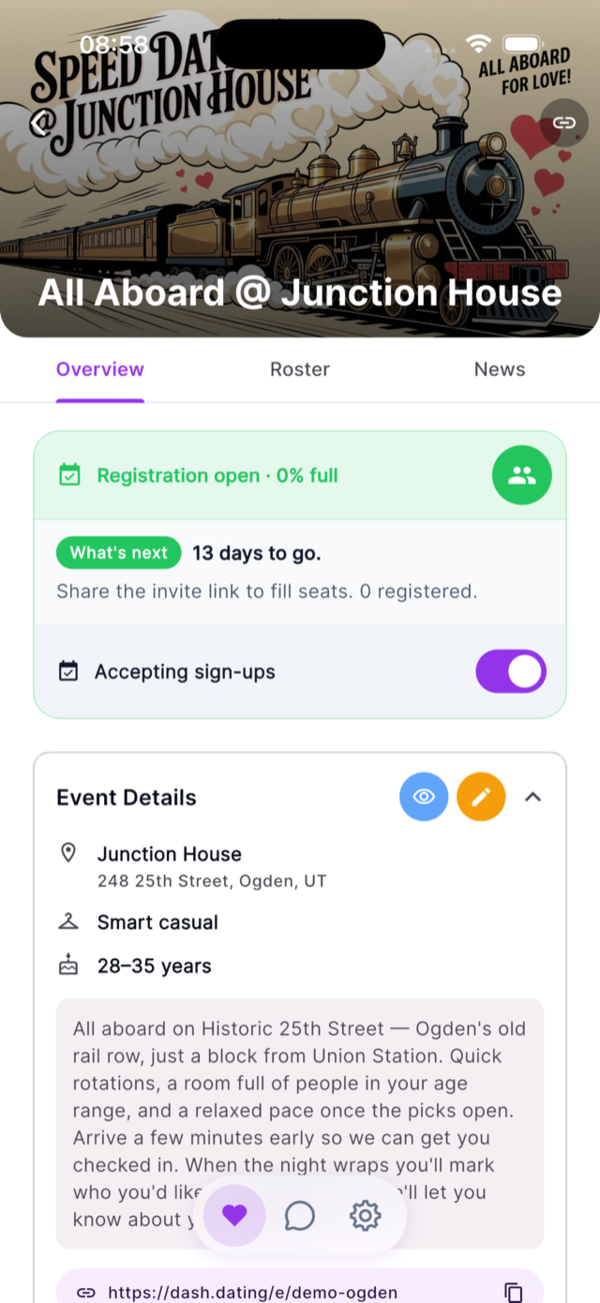
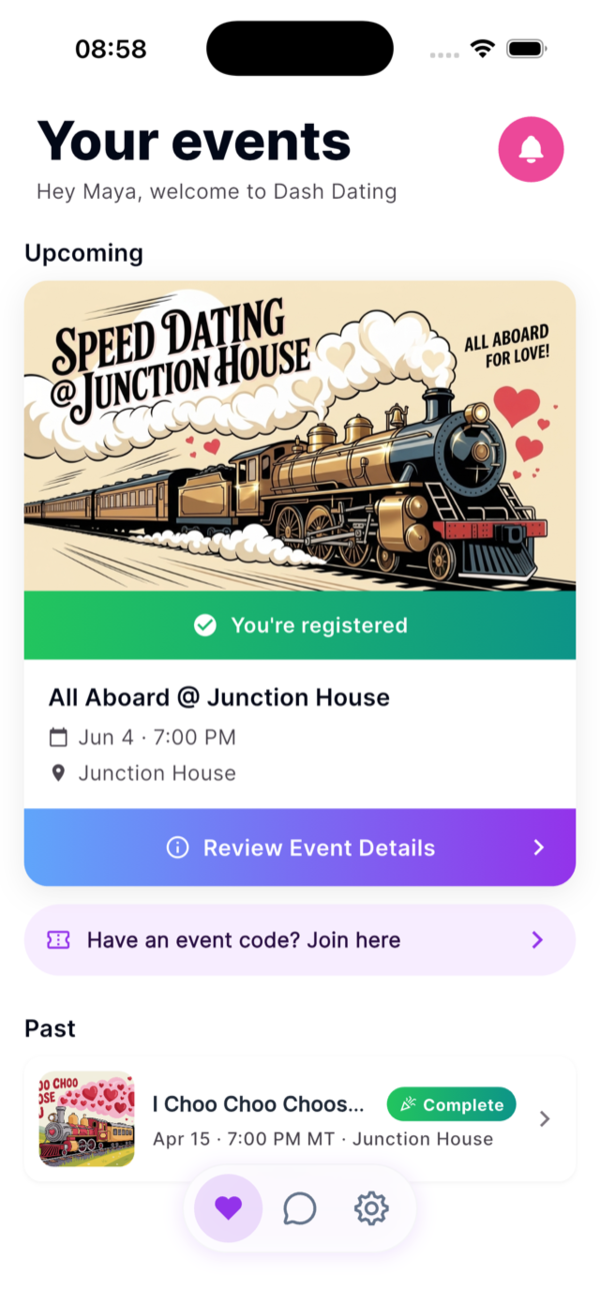
Every event gets its own public landing page. Share one link.
The moment you publish, your event is live at dash.dating/e/your-event — cover photo, venue, host bio, dress code, and a one-tap RSVP. Share the link anywhere you already sell tickets (Eventbrite, Venmo, Instagram, your own site). Dash doesn’t touch ticket sales — run them however you like.
- ✓Public landing page at dash.dating/e/your-event — built-in, share-ready
- ✓Your branding up top — cover photo, host bio, and the details you wrote in Phase 1
- ✓You own ticket sales — Dash doesn’t charge daters
- ✓Live headcount and gender ratio on your dashboard
- ✓Auto-waitlist when the room fills up
- ✓One-tap promotion when spots open
- ✓Native iOS, Android, and web — they pick how they sign up
- ✓Magic-link sign-in — no passwords to remember
- ✓Quick profile setup — just the basics
- ✓Public event page with cover photo, host bio, venue, dress code, and what’s being served — no app install required to view
Night of
Scan, seat, start the night.
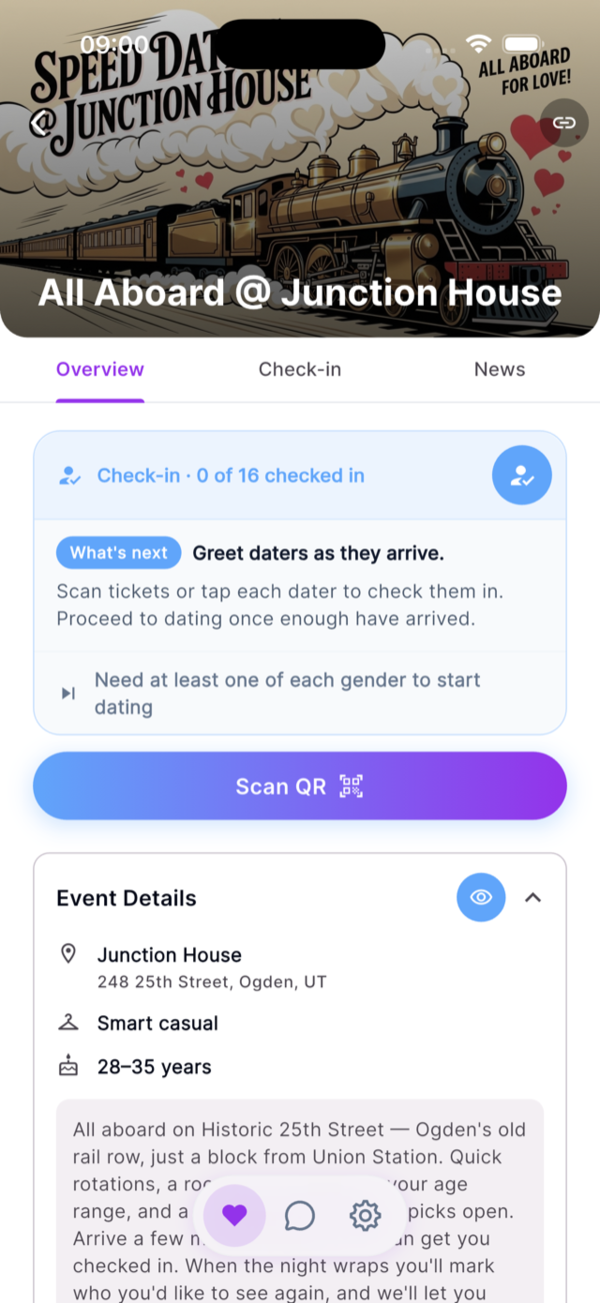
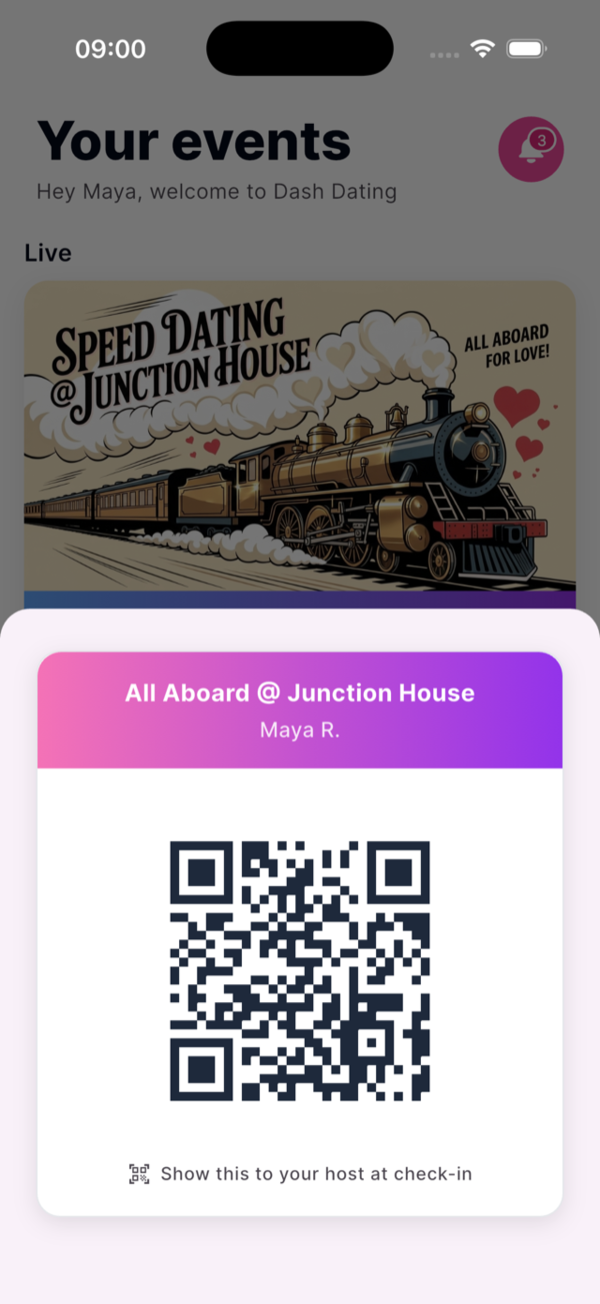
Daters walk in with a QR ticket already pulled up. Point your phone, scan, done — Dash assigns their table on the spot, balanced one per side. No clipboard, no “what’s your last name again?”
- ✓Built-in QR scanner on your phone
- ✓Auto table assignment — one per side, balanced for you
- ✓One-tap waitlist promotion for no-shows
- ✓Live attendance view across registered, checked-in, and waitlist
- ✓Directions to the venue one tap away
- ✓QR ticket ready in the app when they arrive
- ✓Table number revealed at check-in
- ✓Event details always one tap away
Run the rounds
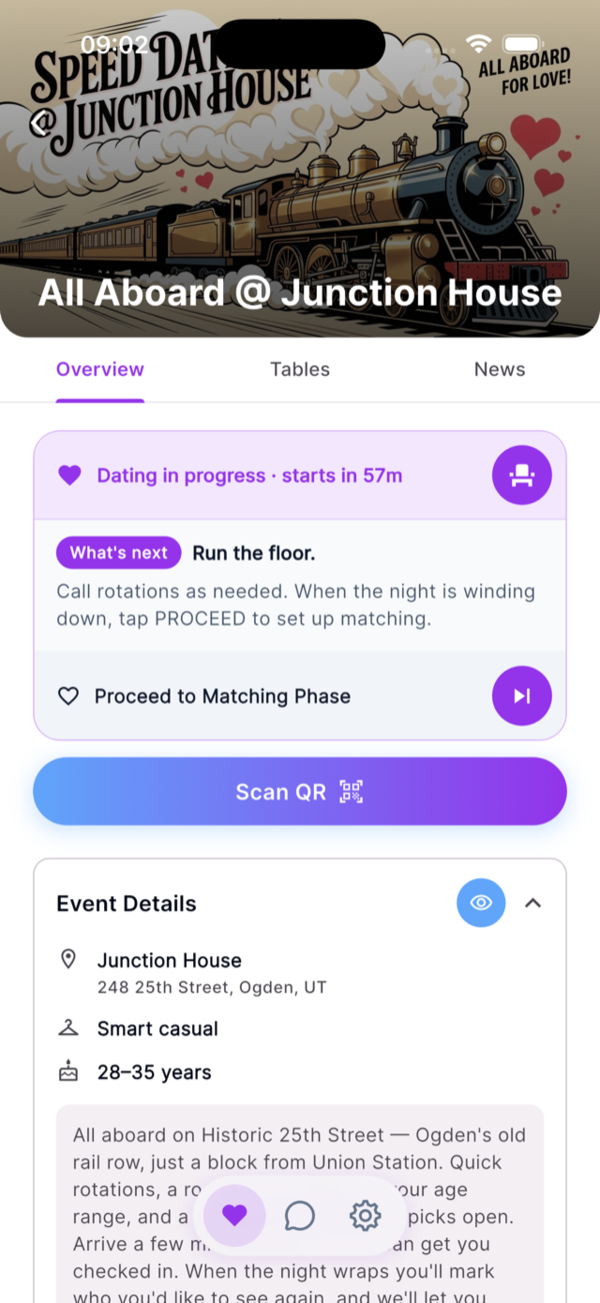
You host the floor. No phones at the table.
Rotate tables, pour drinks, call time — the way you already host. Once daters are checked in, they don’t need to look at their screens at all. Show up late? Scan them in and Dash drops them into the next open seat.
- ✓Run the night your way — Dash waits in the background
- ✓Check in late arrivals any time during the event
- ✓Event flow sheet — a quick glance at rotations, timing, and what to expect
- ✓No notifications, no distractions — the app stays out of the way
- ✓Just the table in front of them
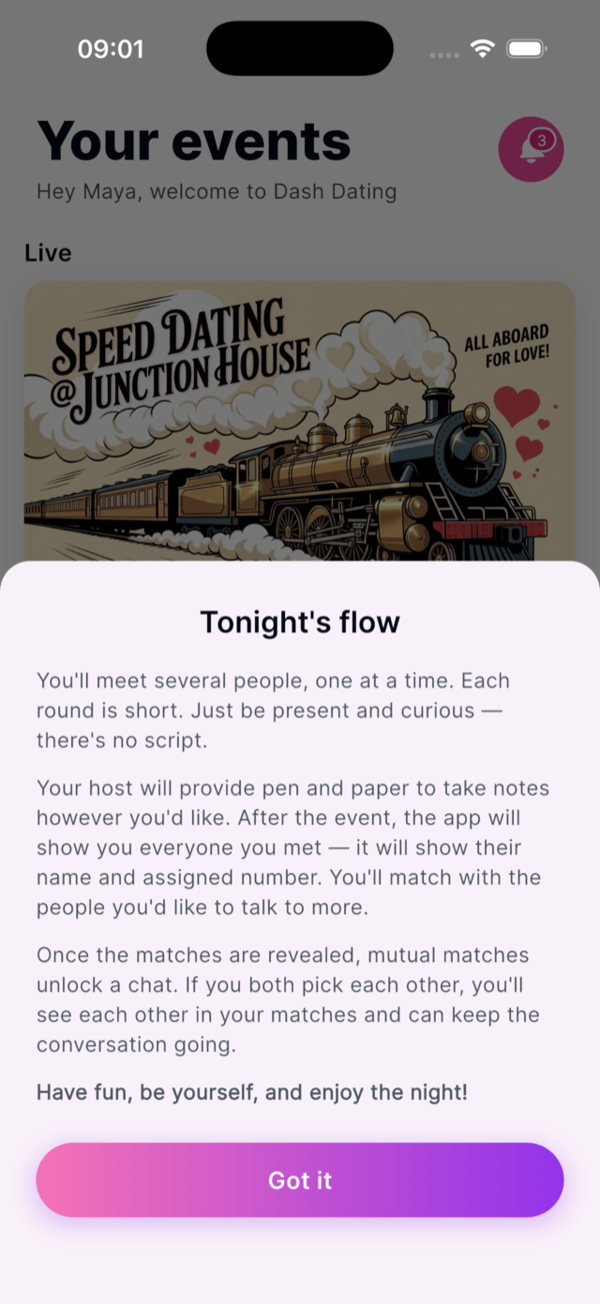
Let them pick
After the last round, daters pick who they’d like to see again.
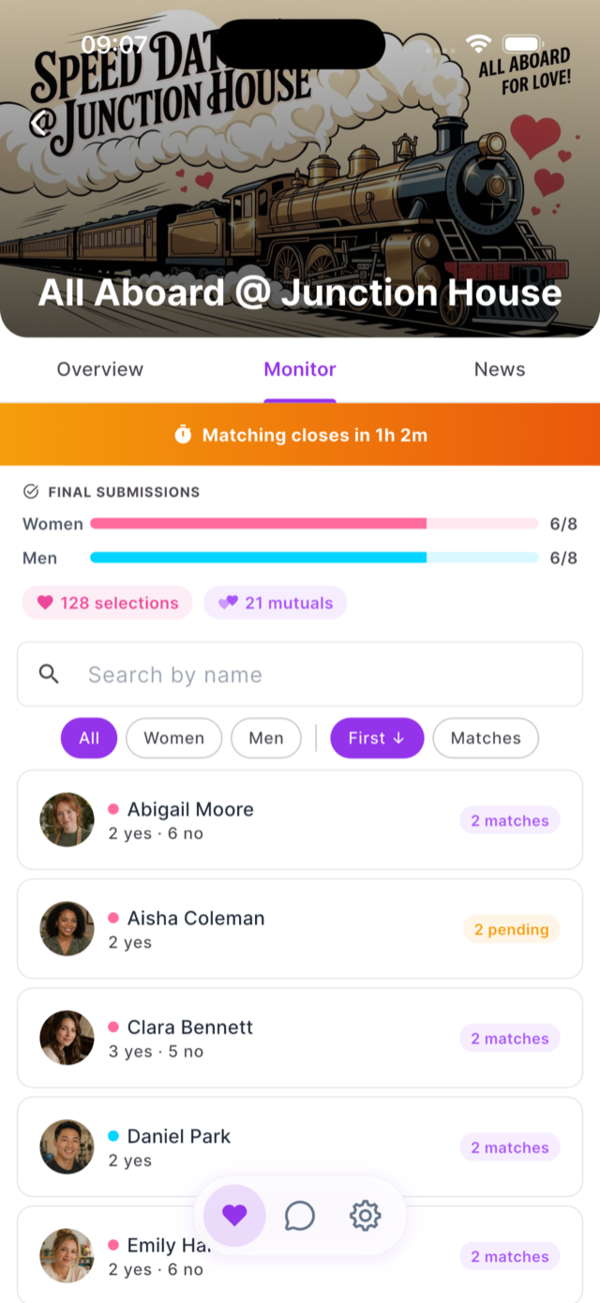
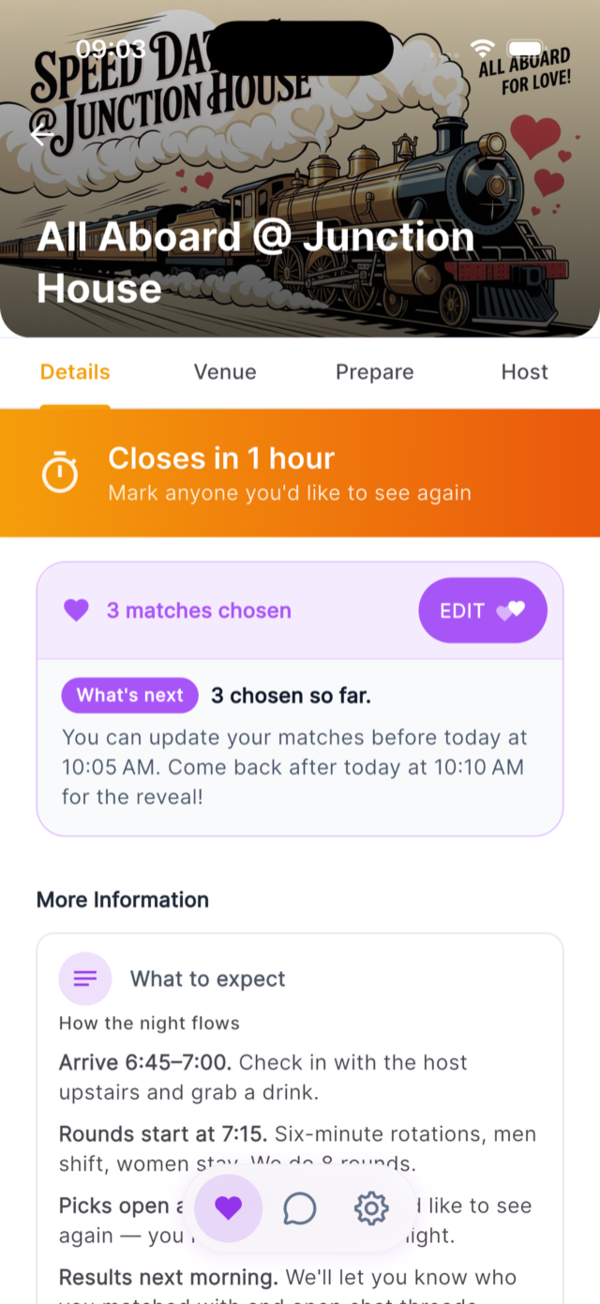
You open matching. Daters tap hearts next to anyone they’d like to see again — privately. No other dater sees who picked who until the matching window closes. You set how long it stays open: an hour, overnight, a full day.
- ✓You set the reveal time
- ✓Full visibility into matches as they happen
- ✓Mutual matches hidden from other daters until reveal
- ✓Full roster of everyone they met
- ✓Change their mind until time’s up
- ✓Countdown to reveal
Reveal, chat, and relive the night
Mutuals revealed. Chat unlocked. Plus the stuff worth bragging about.
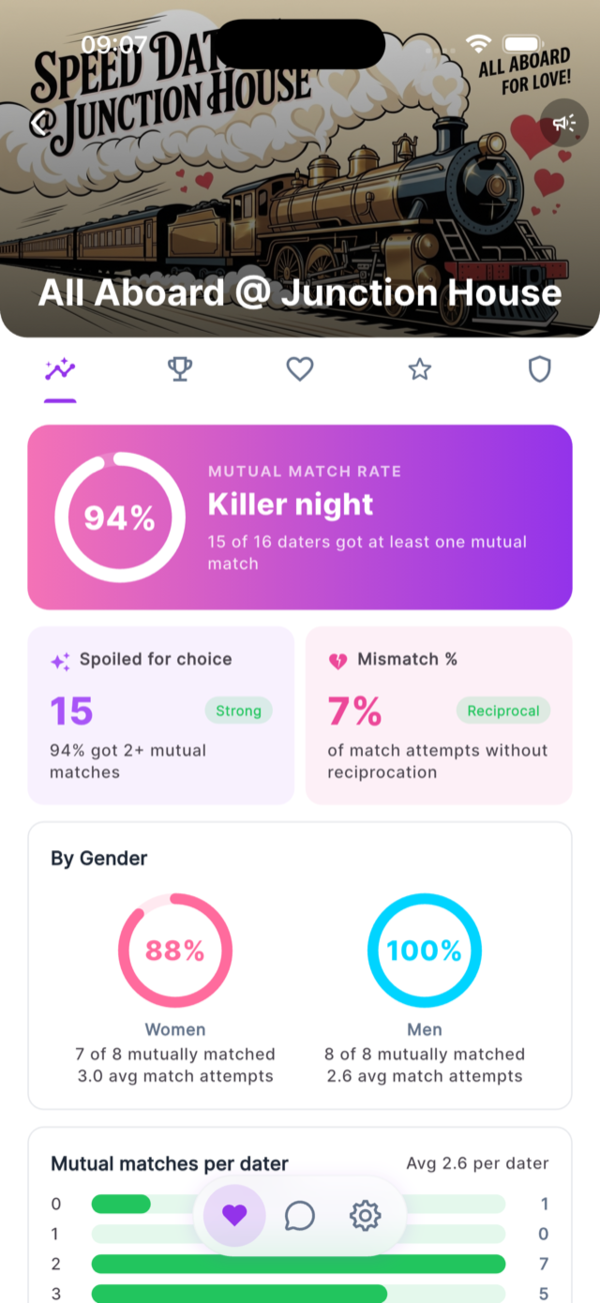
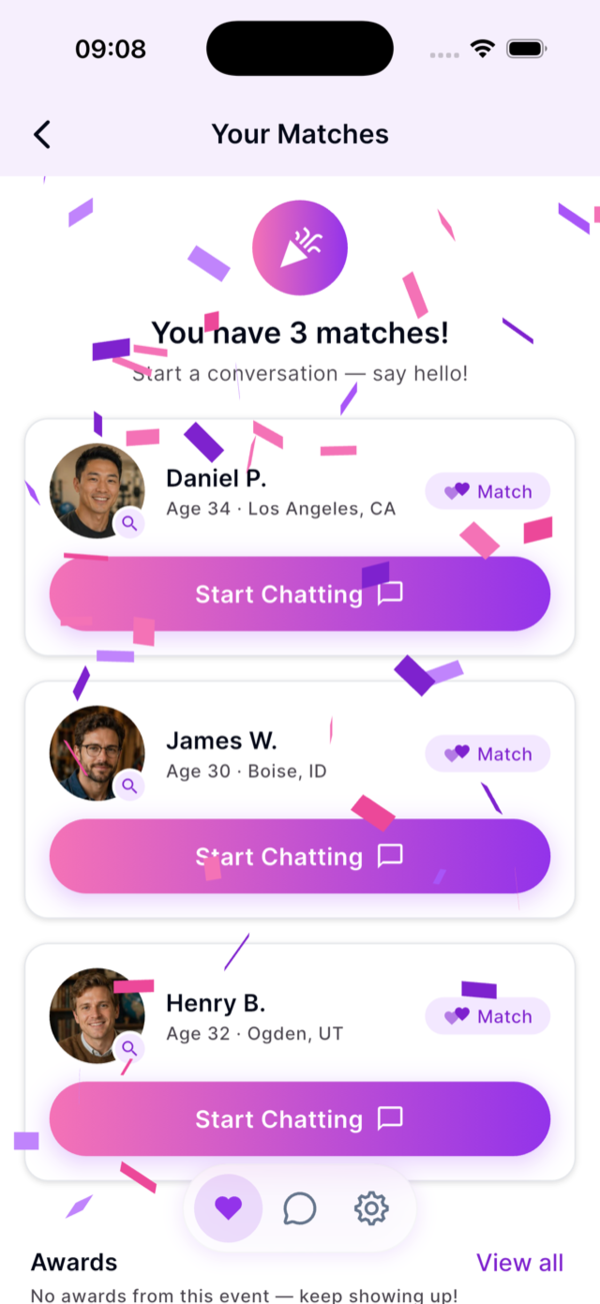
When the matching window ends, Dash reveals mutual matches and enables chat between each pair — only them. Daters who didn’t match never see who picked them. Then the fun part: a full breakdown of the night for you.
- ✓Powerful post-event analytics — match rates, gender breakdowns, pick-giving patterns
- ✓Named superlatives for both sides of the room
- ✓Stories worth texting daters after the event
- ✓Mutual matches revealed automatically
- ✓Profiles unlock only for mutuals
- ✓Safe, secure in-app chat for matched pairs
- ✓Block & report built in
- ✓Chat persists after the night ends