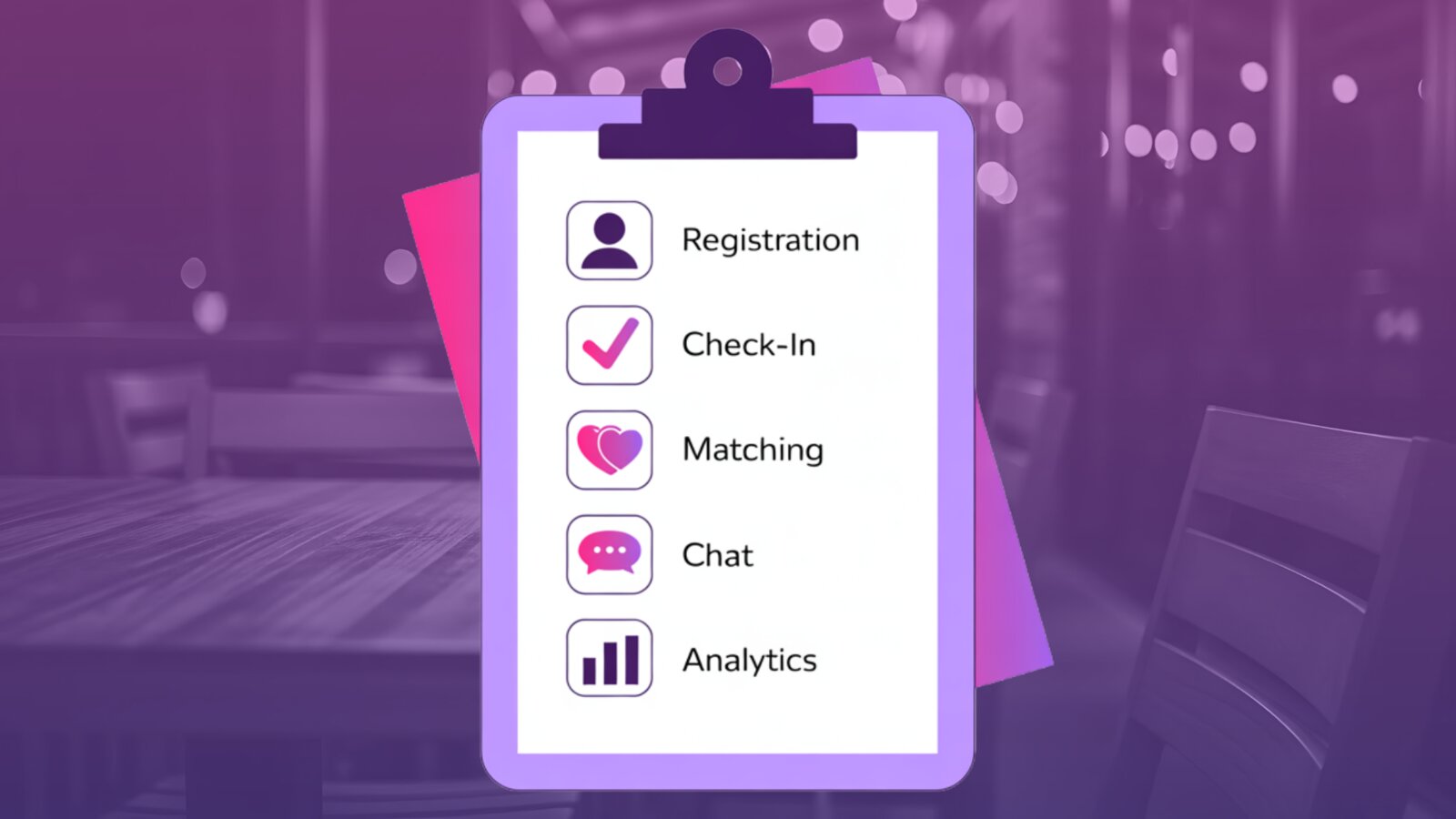
You need to collect registrations, track the gender ratio, manage a waitlist, check people in, keep the night moving, collect match choices, calculate mutual matches, notify daters, and follow up after the event.
For a small gathering, you can probably get away with spreadsheets, paper match cards, and manual texting. Once the room grows, the manual process gets messy fast. The right tool should support every part of the workflow above — not just one slice of it.
1. Registration built for speed dating
Generic event tools can sell tickets, collect RSVPs, or manage attendance. Speed dating has a unique registration problem: you’re not just counting heads, you’re building a workable room.
At minimum, your software should track:
- Men and women separately
- Age range
- Total capacity
- Waitlist status
- Attendee contact info
- Registration status
- Who has checked in
A 40-person speed dating event is not automatically a good event. If 30 women and 10 men show up, the format breaks down. The software you choose should help you understand your room before event night.
2. Waitlist management
A normal event can usually keep selling tickets until the room is full. Speed dating is different. If one side fills faster than the other, you may need to pause registration, hold people on a waitlist, or manually approve attendees as spots open up.
Look for tools that let you:
- See who is waiting
- Separate waitlists by gender or event category
- Approve attendees intentionally
- Prevent overbooking
- Keep your event balanced
A waitlist should not be a second spreadsheet. It should be part of the registration flow.
3. Easy check-in on event night
Check-in is where the event starts to feel either organized or chaotic. Your software should make it easy to see who has arrived, who is missing, and who still needs help — quickly, from a phone or tablet.
- Fast attendee lookup
- QR code check-in
- Manual check-in as a backup
- Clear checked-in status
- Easy access to attendee details
- Ability to handle last-minute changes
The goal is simple: get daters into the room confidently without making the host dig through emails, spreadsheets, or printed rosters.
4. Table assignments and event flow
Speed dating is not just a list of attendees. It’s a structured event with rounds, movement, timing, and pairings.
Before choosing software, ask whether it helps with the actual flow of the night — can it show you:
- Who is assigned where
- Which participants are active
- How rounds should progress
- What the host needs to do next
- Whether someone has left early
- How to handle uneven numbers
Even if you use printed materials or physical table cards, the software should still support the host’s view of the event. The host should not have to mentally reconstruct the whole room while it’s running.
5. Match collection
The most important part of speed dating happens after the conversations: each dater decides who they would like to see again. Your software should give you a clean way to collect those choices.
Depending on your event style, that may mean digital match selections, paper match sheets entered afterward, or some combination. A good system makes it clear:
- Who each participant met
- Who they selected
- Who selected them
- Which selections are mutual
- Whether someone has incomplete choices
- When selections are closed
This is where manual systems get painful. If you’re flipping through paper cards, cross-checking names, and texting people one by one, the event may have gone well — but your post-event process will still be exhausting.
6. Mutual matching
Speed dating works best when matches are mutual. A participant should not receive someone’s contact information just because they selected them. Both people should have picked each other.
Look for:
- Automatic mutual match detection
- Privacy for non-mutual selections
- Clear match results
- A way to prevent accidental reveals
- Host control over when results go live
This protects daters from awkwardness and protects hosts from messy manual mistakes.
7. Post-event communication
The event does not end when the last round ends. Daters want to know what happens next, hosts need a simple way to communicate results, and mutual matches need a respectful way to continue the conversation.
- Match result notifications
- Private chat for mutual matches
- Host-controlled timing for revealing results
- Clear messaging around next steps
- Reminders for attendees to complete their picks
A good event deserves a clean ending.
8. Privacy and safety
Speed dating involves real people meeting in person. The software you use should respect that. Be careful with systems that expose too much information too early, rely on public profiles, or make it easy for people to contact others who did not mutually match with them.
- Private attendee information
- Limited access to event-specific details
- Mutual-only communication
- Host visibility where needed
- Clear control over who can see what
- A way to handle attendee issues
Privacy is not just a technical feature. It affects whether daters feel comfortable attending your event.
9. Host control
Software should not force every speed dating event into the same format. Different hosts run different events — 3-minute rounds, 5-minute rounds, with breaks or without, split by age range, matches revealed the same night or the next morning.
The tool you choose should give the host control over:
- Event capacity
- Registration details
- Age range
- Waitlist decisions
- Event timing
- Match selection windows
- When results are revealed
- Attendee communication
The software should support your event format, not make you redesign your event around the software.
10. Simple pricing
Speed dating hosts need pricing they can understand before they commit. Some platforms charge per attendee, some monthly, some per event, and some bundle features in ways that are hard to compare.
Before choosing, ask:
- Is this priced per event or by subscription?
- Is there a per-attendee fee?
- Is there a limit on the number of daters?
- Are core features included?
- Are there setup fees?
- Do I have to sell tickets through the platform?
- Can I run one event without a long-term commitment?
The right pricing model depends on your event size and how often you host — but the cost should be easy to understand. If the pricing is confusing before the event, it will probably feel worse after.
11. Works for first-time hosts
A lot of speed dating hosts are not full-time event companies. They’re churches, singles ministries, local organizers, community builders, bars, venues, entrepreneurs, or volunteers trying to create something meaningful in their city.
The software should not assume every host already knows exactly how to run a speed dating night. Helpful tools make the host feel more confident by offering:
- Clear setup steps
- Practical defaults
- Event guidance
- Support before the event
- Simple attendee management
- A clear post-event workflow
The best tools do not just store information — they help you run a better event.
12. Real event analytics
After the event, you should know more than whether people had fun. Good software helps you understand what happened, where people got stuck, and what to improve next time.
- Number of attendees
- Check-in rate
- Number of matches
- Match rate
- Age range breakdown
- Gender ratio visibility
- Event completion
- Attendee feedback
- Host notes
Especially helpful if you plan to host more than one event. Without data, every event feels like starting over.
The quick checklist
Before choosing speed dating software, ask whether it helps with:
The right tool disappears into the night. The wrong one shows up everywhere — in late check-ins, missed mutuals, and the 5 AM spreadsheet you swore you wouldn’t do again.
Run any tool through this
- Registration
- Waitlists
- Gender ratio visibility
- Age range management
- QR or fast check-in
- Table assignments
- Event flow
- Match collection
- Mutual matching
- Post-event notifications
- Private chat
- Host control
- Attendee privacy
- Pricing clarity
- First-time host support
- Event analytics
If the software only handles one piece of the process, you may still end up doing the rest by hand.
The bottom line
Speed dating is not just another event format. It has unique problems: balanced registration, structured rounds, private match decisions, mutual results, and post-event communication. The right software should help you manage the whole flow from signup to matches — without turning your event into a pile of spreadsheets, paper cards, and late-night texting.
If you’re choosing software for your next speed dating event, look for a tool built around the actual way these events work. That is what Dash was built for — one workflow for registrations, waitlists, check-in, matching, and post-event communication.